Brand Books

From approved logo to a full brand manual — in minutes.

A magazine-style, interactive brand book on its own public link: cover, chapters, color system, logo rules and a downloadable kit. Generated from the logo your client already approved.
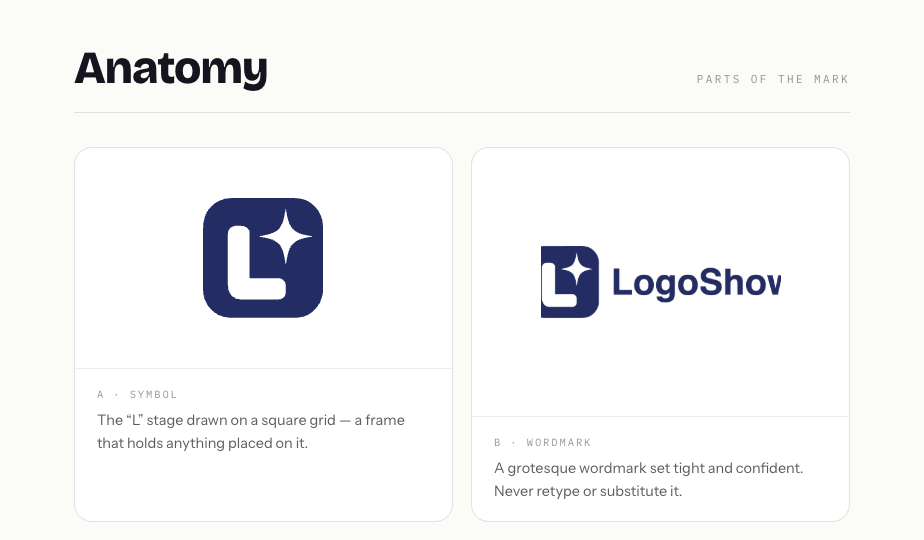
5 CHAPTERS · 19 PAGESWEB + PDFBRAND.MD FOR AI AGENTS
The mark on its grid — live demo bookTHE DEMO BOOK · GENERATED WITH LOGOSHOW
WHAT’S INSIDE

Everything a real brand manual has. Nothing you have to design.

01 · COVER & INTERSTITIALS

A cinematic scroll, not a PDF viewer

Full-screen cover, full-height chapter dividers that rotate through the brand palette with contrast-safe text, and brand-statement interstitials in three layouts — split, full photo and flat color — placed with a touch of randomness so every book feels art-directed.
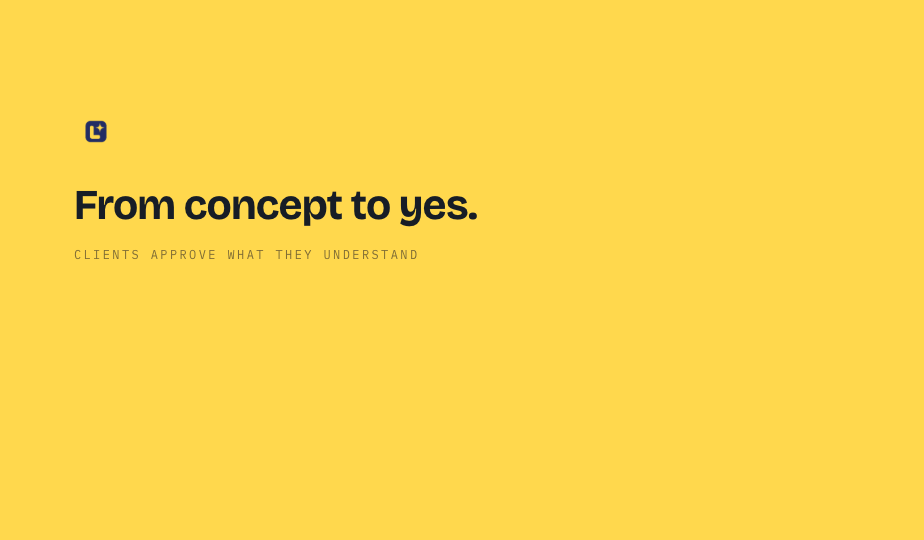
3 interstitial layoutsPalette-driven dividersYour photos or stock
Flat-color interstitial
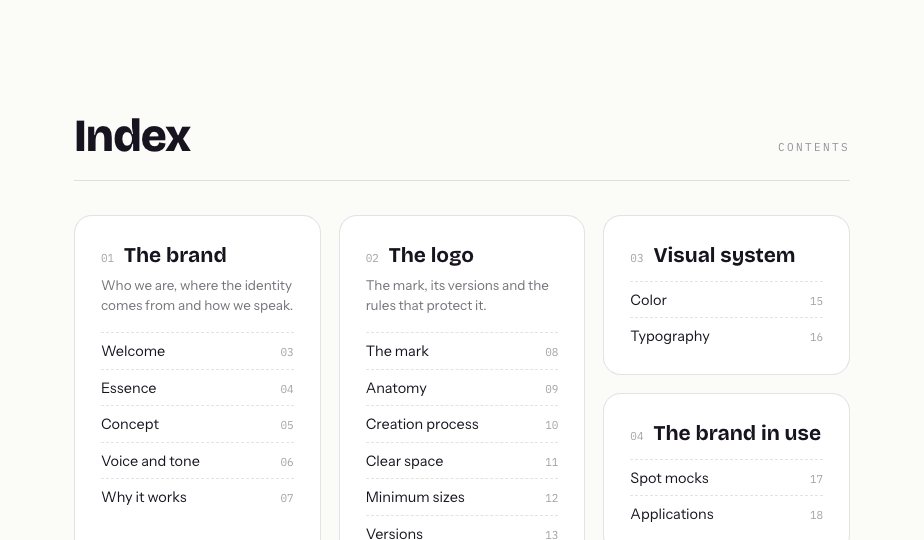
Navigable index
02 · INDEX & SEARCH

Clients find anything in seconds

A navigable contents page plus a ⌘K finder that browses chapters or searches every page — “hex”, “clear space”, “motion” — and jumps straight to it. No more “where was the color section?” emails.

03 · COLOR SYSTEM

Print-grade color specs, copy-ready

Every palette color ships with a tint fan (80/60/40/20), RGB, CMYK and Pantone — click any swatch to copy its hex. You define the proportion each color should take in compositions with simple sliders, and toggle the bar on or off.
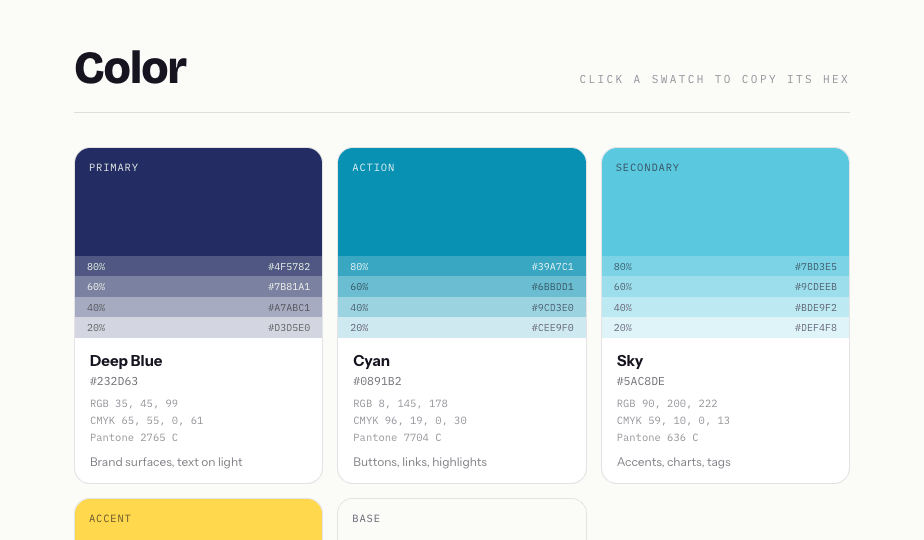
Click-to-copy hexCMYK + PantoneProportion sliders
Color system with tints and Pantone
Auto logo variations
04 · LOGO RULES

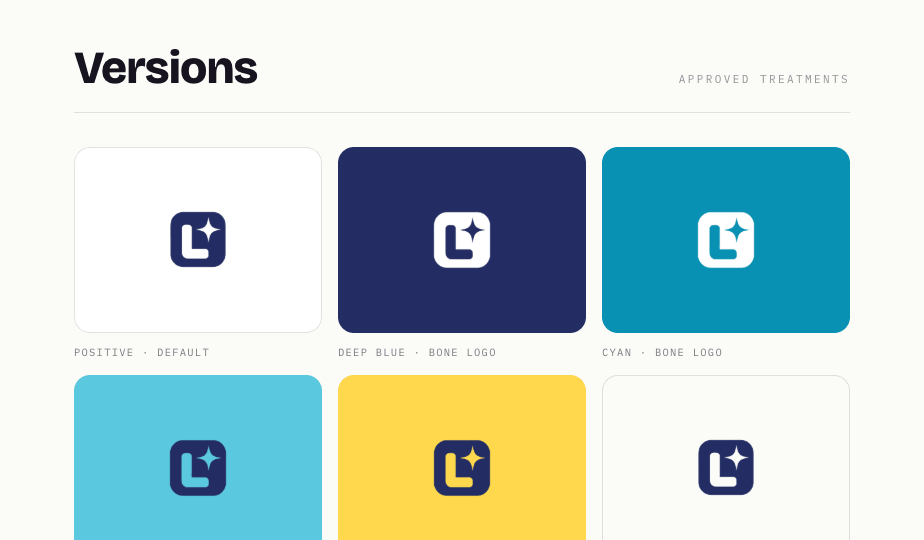
Variations that are never light-on-light

Logo-on-color pairings are generated automatically from the palette with contrast checked for you — plus manual combinations when you want a specific pairing. Anatomy, clear space, minimum sizes and do/don’t rules with the “don’t” visibly struck out.

05 · THE BRAND IN USE

Usage rules nobody can misread

Do/don’t cards with the violation struck through in red, spot-mock videos of the logo in motion, and application mockups pulled straight from your Scenes gallery — images and video.
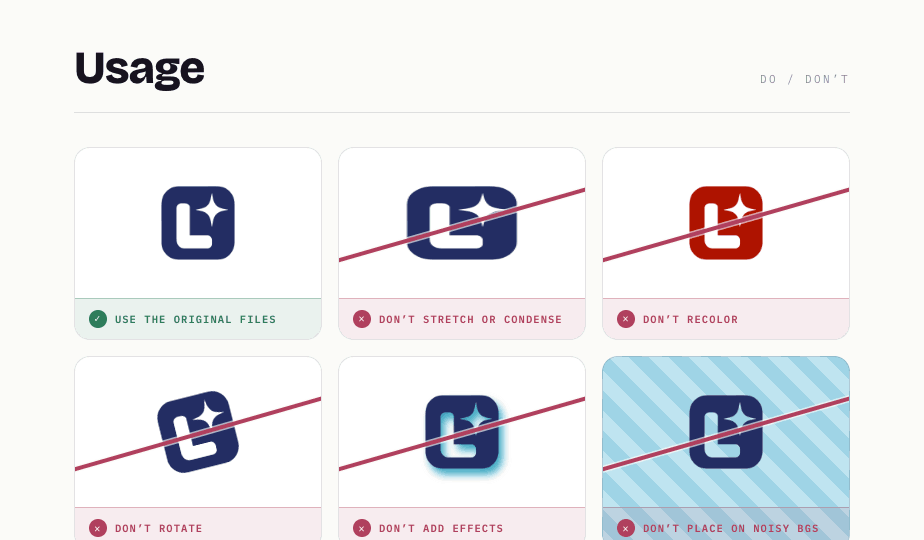
Do and don't usage rules
Brand kit and handoff
06 · HANDOFF

The kit that closes the project

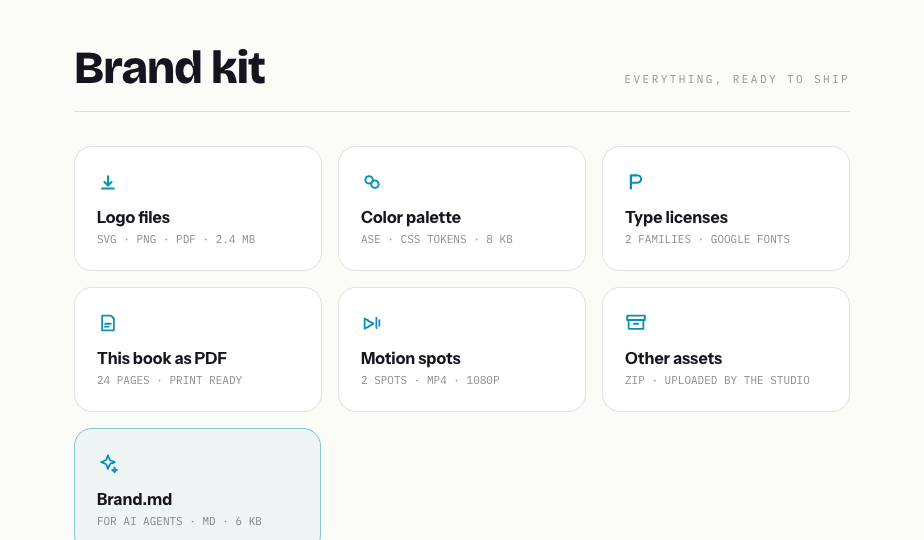
Logo files, palette tokens, type licenses, motion spots, your own uploaded assets and brand.md — a machine-readable version of the whole book for AI agents. Add external links (a Drive deck, Notion guidelines) and contact buttons including WhatsApp.

GENERATED WITH AI

Your logo in. A finished manual out.

The AI reads the approved logo and its palette, then writes and assembles the whole book — so the first draft your client sees is already presentable, and everything stays editable.

Optional, always. Generation is something you invoke, never a requirement — write every page by hand, generate only the sections you pick, or skip AI entirely. Nothing runs without your say-so.
Copy written from the mark itselfWelcome, essence, concept, voice and the “why it works” rationale — grounded in the logo’s real geometry and colors, in your client’s language.
Rules derived, not guessedTints, CMYK and Pantone specs, contrast-safe logo variations, clear space and minimum sizes — computed from the palette and lockup.
Hours of layout, skippedInterstitials, dividers, specimens and mockups compose themselves art-directed — you review and refine instead of building from zero.
Regenerate anything, keep the restEvery AI text and plate has its own regenerate button — re-roll one section without touching what you already approved.
Generating brand book…FILL WITH AI
Progress7%
Step 1 of 7
Welcome & essence
2Concept & voice
3Why the logo works
4Color tints & specs
5Logo variations
6Interstitials
7Brand kit & brand.md
WRITING · ESSENCE & VOICE
THE REAL GENERATION FLOW FROM THE EDITOR
FULLY CONFIGURABLE

Every page is a switch. Every section, yours.

The private editor mirrors the public book one-to-one: toggle pages on or off, write by hand or let AI fill the copy in your client’s language, and publish when it reads right.

Pages17 OF 19 VISIBLE
Cover
01Welcome
01Essence
01Concept
01Voice and tone
02Clear space
02Minimum sizes
04Motion spots
05Brand kit
Hide a page and the index, dividers and numbering rebuild themselves.
THE REAL PER-PAGE SWITCHES FROM THE EDITOR
STRUCTURE
Per-page toggles19 pages on/off — index and dividers rebuild themselves.
Book data & dark logoCover data, your dark color, auto or custom dark-mode logo.
Interstitial controlLayout, phrase and color per plate — or regenerate with AI.
Share & publishPublic link, PDF, email to client, comments — unpublish anytime.
CONTENT
Fill with AIEssence, concept, voice and rationale in 6 languages — optional.
Voice, do & don’t“Us / not us” line by line; every usage card on or off.
Anatomy & brand typeClassify the mark; upload or regenerate construction plates.
Versioned rationale“Why it works” synced with Logo Lab, restorable versions.
VISUAL SYSTEM
Palette switchingSwap the set; tints, variations and dividers re-derive.
Color controlsTint fan, proportion sliders with live bar, CMYK + Pantone.
Variations, auto + manualContrast-safe pairings from the palette, plus your own.
TypographyDisplay and text families, roles — specimens render themselves.
IN USE & HANDOFF
Applications from ScenesImage and video mockups from your gallery, captions per item.
Motion spotsDemo spot videos generated from templates — no code, on/off.
Brand kit & handoffYour files, brand.md toggle, external links, contact + WhatsApp.

See what your client would receive.

The demo book below was generated from the LogoShow logo itself — cover to brand kit, untouched.